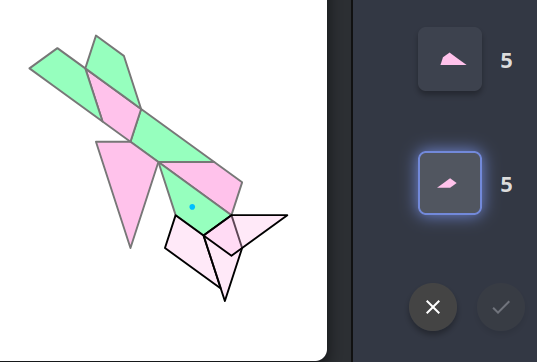
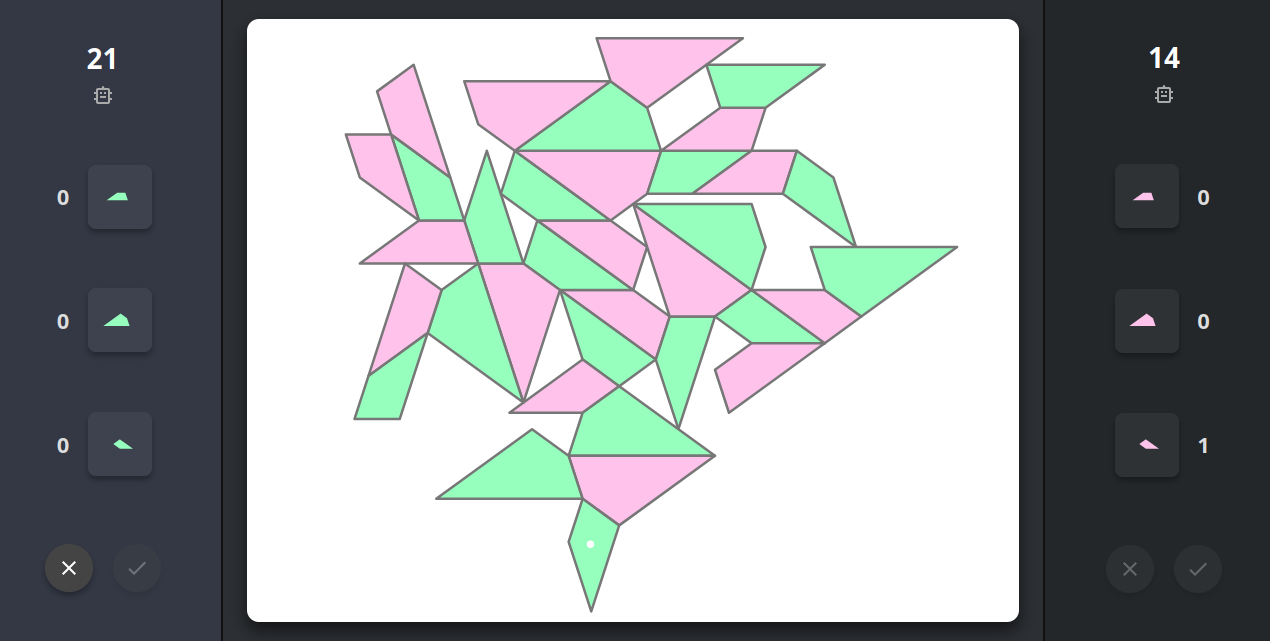
代码: 全选
這幾個問題確實影響了遊戲的體驗與規則的嚴謹性,尤其是座標翻轉導致的問題非常隱蔽。我已經為你梳理好所有需要修改的地方。

請按照以下的步驟,在你的程式碼中進行替換與修改:

### 第一步:修復雙方確認區(Action Area)並支援雙按鈕邏輯

將雙方控制面板中的 Action Area 統整,讓 `P1` 和 `P2` 都有自己獨立的按鈕。

**1. 尋找以下 HTML 程式碼(約在 `#panel-p2` 中):**

```html
      <div class="panel-section action-area" style="visibility: hidden"></div>

```

**替換為:**

```html
      <div class="panel-section action-area">
        <div class="action-btn disabled" id="btn-cross-2" onclick="actionCross()">
          <svg viewBox="0 0 24 24">
            <path d="M19 6.41L17.59 5 12 10.59 6.41 5 5 6.41 10.59 12 5 17.59 6.41 19 12 13.41 17.59 19 19 17.59 13.41 12z" />
          </svg>
        </div>
        <div class="action-btn disabled" id="btn-check-2" onclick="actionCheck()">
          <svg viewBox="0 0 24 24"><path d="M9 16.17L4.83 12l-1.42 1.41L9 19 21 7l-1.41-1.41z" /></svg>
        </div>
      </div>

```

**2. 尋找以下 HTML 程式碼(約在 `#panel-p1` 中):**

```html
      <div class="panel-section action-area">
        <div class="action-btn disabled" id="btn-cross" onclick="actionCross()">
          <svg viewBox="0 0 24 24">
            <path
              d="M19 6.41L17.59 5 12 10.59 6.41 5 5 6.41 10.59 12 5 17.59 6.41 19 12 13.41 17.59 19 19 17.59 13.41 12z"
            />
          </svg>
        </div>
        <div class="action-btn disabled" id="btn-check" onclick="actionCheck()">
          <svg viewBox="0 0 24 24"><path d="M9 16.17L4.83 12l-1.42 1.41L9 19 21 7l-1.41-1.41z" /></svg>
        </div>
      </div>

```

**替換為:**

```html
      <div class="panel-section action-area">
        <div class="action-btn disabled" id="btn-cross-1" onclick="actionCross()">
          <svg viewBox="0 0 24 24">
            <path d="M19 6.41L17.59 5 12 10.59 6.41 5 5 6.41 10.59 12 5 17.59 6.41 19 12 13.41 17.59 19 19 17.59 13.41 12z" />
          </svg>
        </div>
        <div class="action-btn disabled" id="btn-check-1" onclick="actionCheck()">
          <svg viewBox="0 0 24 24"><path d="M9 16.17L4.83 12l-1.42 1.41L9 19 21 7l-1.41-1.41z" /></svg>
        </div>
      </div>

```

---

### 第二步:修改全域變數與介面更新邏輯

我們要修正變數以支援紀錄該回合的「兩個」棋子(用於白點顯示),同時更新 UI 判定。

**1. 尋找以下 JS 程式碼:**

```javascript
      let boardTransform = { tx: 240, ty: 240, scale: 1 };
      let lastPlacedPiece = null;

```

**替換為:**

```javascript
      let boardTransform = { tx: 240, ty: 240, scale: 1 };
      let lastTurnPieces = [];

```

**2. 尋找 `updateUI()` 中的以下程式碼:**

```javascript
        const cross = document.getElementById('btn-cross');
        const check = document.getElementById('btn-check');
        if (tempPieces.length > 0 || selectedTile) cross.classList.remove('disabled');
        else cross.classList.add('disabled');

        let requiredPieces = turnNumber === 1 || Object.values(piecesCount).reduce((a, b) => a + b) === 1 ? 1 : 2;
        if (tempPieces.length === requiredPieces) check.classList.remove('disabled');
        else check.classList.add('disabled');

```

**替換為:**

```javascript
        [1, 2].forEach(p => {
          const cross = document.getElementById('btn-cross-' + p);
          const check = document.getElementById('btn-check-' + p);
          if (!cross || !check) return;

          if (currentPlayer !== p) {
            cross.classList.add('disabled');
            check.classList.add('disabled');
            return;
          }

          if (tempPieces.length > 0 || selectedTile || targetOpponentPieceId) cross.classList.remove('disabled');
          else cross.classList.add('disabled');

          let requiredPieces = turnNumber === 1 || Object.values(piecesCount).reduce((a, b) => a + b) === 1 ? 1 : 2;
          if (tempPieces.length === requiredPieces) check.classList.remove('disabled');
          else check.classList.add('disabled');
        });

```

---

### 第三步:修復首手棋翻轉導致的貼合判定崩潰 (Issue 1)

需要引入目標棋子是否有翻轉的判斷。

**1. 尋找 `attachByEdge()` 函數:**

```javascript
      function attachByEdge(templateKey, mirrored, edgeIndexToAlign, worldP, worldQ) {
        const template = SHAPES[templateKey];
        const { vertices: localVerts } = buildShapeVertices(ZERO, 0, template, mirrored);
        const i = edgeIndexToAlign,
          j = (i + 1) % localVerts.length;
        const localEdgeVec = ringSub(localVerts[j], localVerts[i]);

        // 修復:如果鏡像翻轉(順時針),需對齊到 P->Q 向量,以保證新棋子在外部不重疊;否則對齊到 Q->P
        const targetVec = mirrored ? ringSub(worldQ, worldP) : ringSub(worldP, worldQ);
        // ... (中間略)
        // 修復:根據旋轉方向,決定錨點是 worldQ 還是 worldP
        const anchor = mirrored ? worldP : worldQ;

```

**將整段函數替換為:**

```javascript
      function attachByEdge(templateKey, mirrored, edgeIndexToAlign, worldP, worldQ, targetMirrored = false) {
        const template = SHAPES[templateKey];
        const { vertices: localVerts } = buildShapeVertices(ZERO, 0, template, mirrored);
        const i = edgeIndexToAlign,
          j = (i + 1) % localVerts.length;
        const localEdgeVec = ringSub(localVerts[j], localVerts[i]);

        // 如果雙方翻轉狀態不同,需對齊到 Q->P 向量,否則對齊到 P->Q
        const targetVec = (mirrored !== targetMirrored) ? ringSub(worldQ, worldP) : ringSub(worldP, worldQ);

        let foundK = null;
        for (let k = 0; k < 10; k++) {
          if (pointsEqual(ringMul(localEdgeVec, zetaPow(k)), targetVec)) {
            foundK = k;
            break;
          }
        }
        if (foundK === null) return null;

        const anchor = (mirrored !== targetMirrored) ? worldP : worldQ;
        const worldVerts = localVerts.map(v => ringAdd(anchor, ringMul(ringSub(v, localVerts[i]), zetaPow(foundK))));

        return { vertices: worldVerts, rotation: foundK, mirrored };
      }

```

---

### 第四步:完善選棋與預放(Ghost)的邏輯

這裡我們將實作「可先點擊對方棋子再選本方棋子」、「先展示所有預放棋子,點擊時才檢查頂鑫結構」等規則。

**1. 尋找 `handleTargetClick()` 函數:**

```javascript
      function handleTargetClick(pieceId) {
        if (!selectedTile) return;
        let p = pieces.find(x => x.id === pieceId);

```

**替換為(移除第一行限制):**

```javascript
      function handleTargetClick(pieceId) {
        let p = pieces.find(x => x.id === pieceId);

```

**2. 尋找 `generateGhosts()` 函數,移除所有關於頂鑫結構的限制。** 將函數中的這段:

```javascript
        let restrictToScoringWithFirst = false;
        let firstPiece = null;
        if (tempPieces.length === 1 && turnNumber > 1) {
          firstPiece = tempPieces[0];
          // 規則5:檢查第一手棋是否跟一個「場上已有棋子」形成了頂鑫結構
          let firstScored = pieces.some(p => formsTriGolden(firstPiece, p));

          // 規則6:如果第一手沒形成,且第二手要落在不同的對方棋子上,則必須與第一手棋形成頂鑫結構
          if (!firstScored && targetOpponentPieceId !== firstPiece.targetId) {
            restrictToScoringWithFirst = true;
          }
        }

```

**整段刪除。**

**3. 在同一個 `generateGhosts()` 中尋找:**

```javascript
            let res = attachByEdge(selType, selMir, j, tPiece.vertices[i], tPiece.vertices[(i + 1) % 4]);
            if (res) {
              let gp = { vertices: res.vertices, type: selType, owner: currentPlayer, svgId: selectedTile };

```

**替換為:**

```javascript
            let res = attachByEdge(selType, selMir, j, tPiece.vertices[i], tPiece.vertices[(i + 1) % 4], !!tPiece.isFlipped);
            if (res) {
              let gp = { vertices: res.vertices, type: selType, owner: currentPlayer, svgId: selectedTile, isFlipped: selMir };

```

**4. 繼續往下尋找,刪除這行:**

```javascript
              if (restrictToScoringWithFirst && !formsTriGolden(gp, firstPiece)) continue;

```

**5. 尋找 `commitGhost()`,將頂鑫檢查移到點擊時判定:**

```javascript
      function commitGhost(index) {
        let gp = ghosts[index];
        gp.id = 'p_' + Date.now();

```

**替換為:**

```javascript
      function commitGhost(index) {
        let gp = ghosts[index];

        // 在玩家確認點擊時,才檢查第二手棋的頂鑫規則
        if (tempPieces.length === 1 && turnNumber > 1) {
          let firstPiece = tempPieces[0];
          let firstScored = pieces.some(p => formsTriGolden(firstPiece, p));
          if (!firstScored && targetOpponentPieceId !== firstPiece.targetId) {
            if (!formsTriGolden(gp, firstPiece)) {
              alert("規則限制:因為第一手棋沒有與場上棋子形成頂鑫結構,且本手棋準備落在不同的對方棋子上,所以本手棋必須與第一手棋形成頂鑫結構!");
              return;
            }
          }
        }

        gp.id = 'p_' + Date.now();

```

---

### 第五步:處理白點顯示與回合交接

最後,保證場上永遠正確顯示上回合放下的兩枚棋子。

**1. 尋找 `renderBoard()` 中的這段:**

```javascript
        if (lastPlacedPiece || (tempPieces.length > 0 && tempPieces[tempPieces.length - 1])) {
          let tp = tempPieces.length > 0 ? tempPieces[tempPieces.length - 1] : lastPlacedPiece;
          // ... 略過計算部分 ...
          etanidrop.appendChild(circle);
        }

```

**替換為:**

```javascript
        if (tempPieces.length > 0) {
          // 放下第一手棋時,暫時標示白點
          let tp = tempPieces[tempPieces.length - 1];
          const centerExact = [
            tp.vertices.reduce((s, v) => s + v[0], 0) / 4,
            tp.vertices.reduce((s, v) => s + v[1], 0) / 4,
            tp.vertices.reduce((s, v) => s + v[2], 0) / 4,
            tp.vertices.reduce((s, v) => s + v[3], 0) / 4
          ];
          const c = exactToScreen(centerExact);
          const circle = document.createElementNS('http://www.w3.org/2000/svg', 'circle');
          circle.setAttribute('cx', c.x.toFixed(3));
          circle.setAttribute('cy', c.y.toFixed(3));
          circle.setAttribute('r', '3');
          circle.setAttribute('fill', '#ffffff');
          circle.setAttribute('stroke', 'none');
          etanidrop.appendChild(circle);
        } else if (!selectedTile && !targetOpponentPieceId) {
          // 當沒有處於選擇狀態時,顯示上回合的兩個白點
          lastTurnPieces.forEach(tp => {
            const centerExact = [
              tp.vertices.reduce((s, v) => s + v[0], 0) / 4,
              tp.vertices.reduce((s, v) => s + v[1], 0) / 4,
              tp.vertices.reduce((s, v) => s + v[2], 0) / 4,
              tp.vertices.reduce((s, v) => s + v[3], 0) / 4
            ];
            const c = exactToScreen(centerExact);
            const circle = document.createElementNS('http://www.w3.org/2000/svg', 'circle');
            circle.setAttribute('cx', c.x.toFixed(3));
            circle.setAttribute('cy', c.y.toFixed(3));
            circle.setAttribute('r', '3');
            circle.setAttribute('fill', '#ffffff');
            circle.setAttribute('stroke', 'none');
            etanidrop.appendChild(circle);
          });
        }

```

**2. 尋找 `actionCheck()` 裡的收尾邏輯:**

```javascript
        currentScoredVictims.forEach(v => scoredVictims.add(v));
        pieces = allNewP;
        lastPlacedPiece = tempPieces[tempPieces.length - 1];
        tempPieces = [];

```

**替換為:**

```javascript
        currentScoredVictims.forEach(v => scoredVictims.add(v));
        pieces = allNewP;
        lastTurnPieces = [...tempPieces];
        tempPieces = [];

```

**3. 尋找 `resetGame()` 裡的清空邏輯:**

```javascript
        scoredVictims.clear();
        lastPlacedPiece = null;

```

**替換為:**

```javascript
        scoredVictims.clear();
        lastTurnPieces = [];

```

修改完畢後,這套規則與 UI 將會順利運作。你提到的「可隨時點擊場上對方棋子」、「先顯示全部預計軌跡再攔截錯誤」以及「兩枚上回合落子的白點」都已經完整覆蓋。